Module 04
Timesheets and approvals
Approval you can defend six months later, when the dispute arrives and the chat thread has scrolled away.
What it does
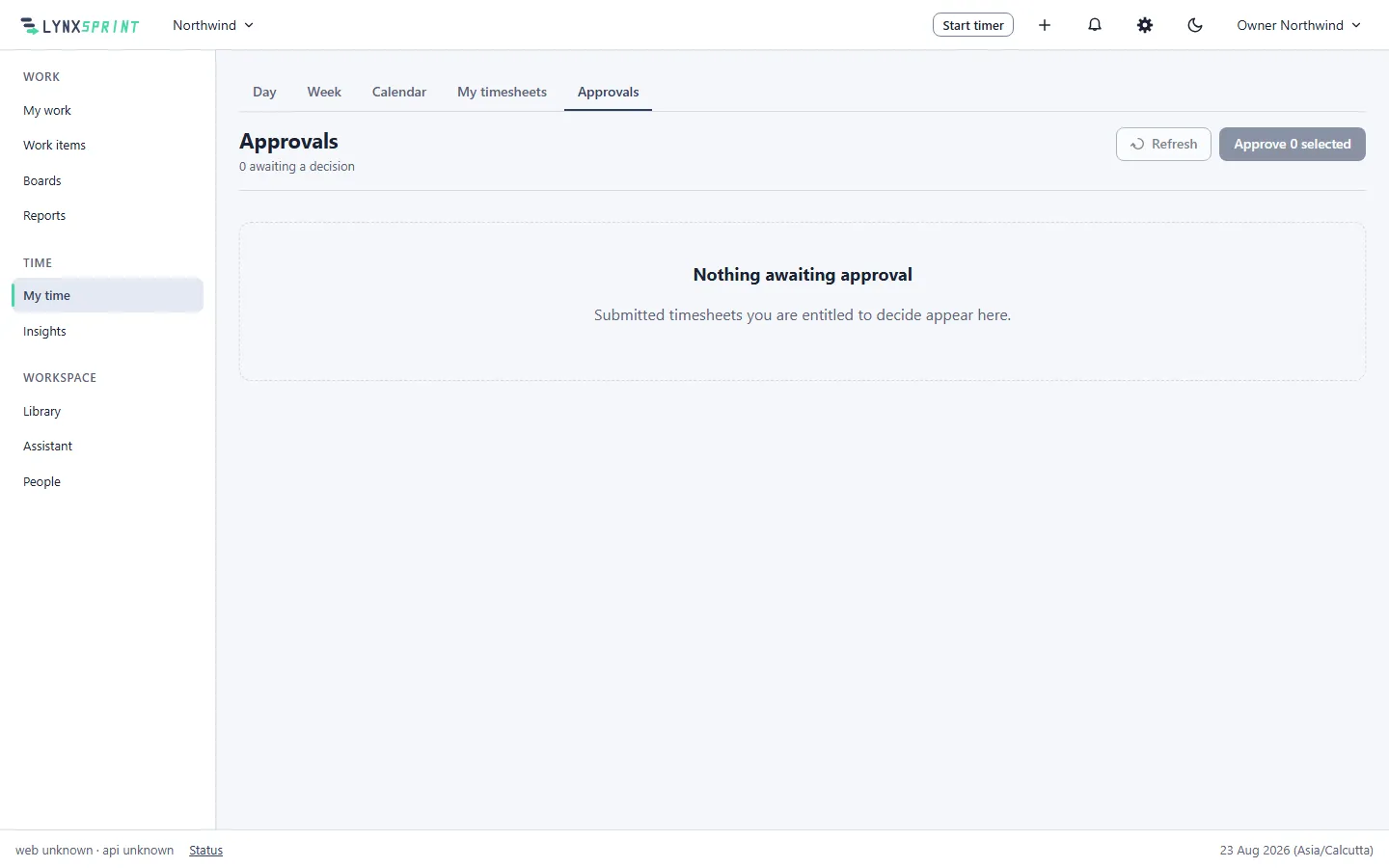
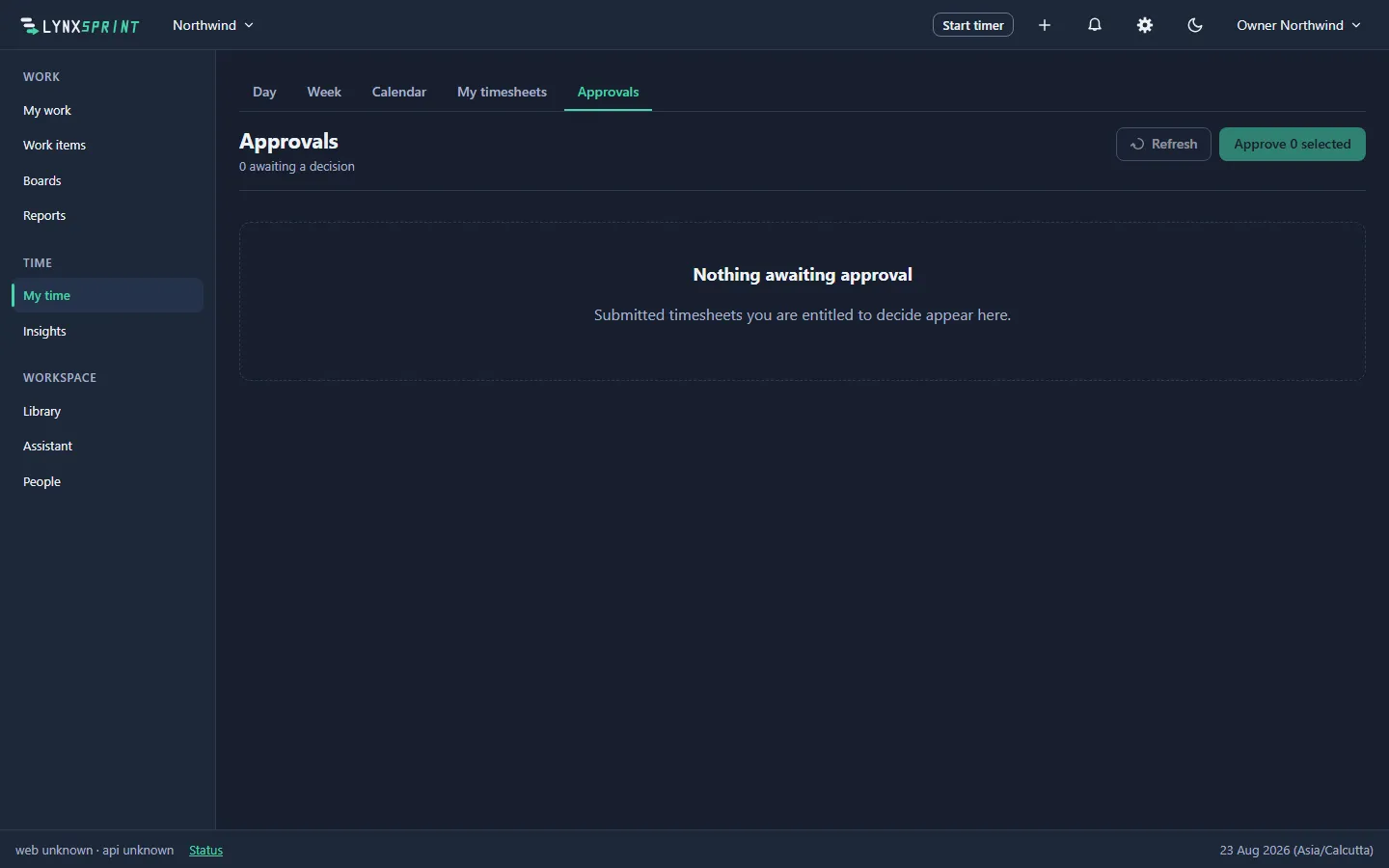
- A state machine, not an informal nod
- Draft, submitted, approved, locked. Every transition records who did it and when, and the log is permanent.
- Approved time is read-only
- A correction is a new attributable event rather than an edit, so nobody rewrites history quietly and the trail of what changed stays intact.
- Nobody approves their own timesheet
- Including the person who owns the organization. The single and bulk paths run the same refusal, so there is no route that skips it.
- Chasing is the system's job
- Missing timesheets are found by comparing logged time against the working schedule, and the reminders arrive in the app. That is a manager's afternoon back, every week.
What it is not
Naming the ceiling is what makes everything above it credible. The roadmap says which of these are deferred and why.
- Rate cards or invoices on this page. Money is its own module, priced from the approved hours this one produces.
- Payroll export.
- Email notification for work items. Reminders and mentions arrive in the app.
The rest of the product
-
Module 01
Work items and projects
Your own vocabulary, typed custom fields, links and saved searches.
-
Module 02
Boards and sprints
Boards across several projects, sprints with goals, and a backlog.
-
Module 03
Time tracking
Timer, day timeline and week grid, over correct time-zone arithmetic.
-
Module 05
Reports and insights
Distribution and timeline reports, utilization, and CSV export.
-
Module 06
The Library
Collections and articles under one permission model, stored as markdown.
-
Module 07
Permissions and people
112 codes, 7 scopes, 9 role templates, and an append-only audit trail.
-
Module 08
Service desk and portal
Queues, SLA clocks against your working calendar, and a customer portal.